
In this guide you learn what an image converter is and why file format matters. You also discover how to convert images properly step by step without losing image quality.
What Is an Image Converter?
An image converter is a tool that converts an image file from one format to another. The image remains the same but the file format changes.
For example:
1. PNG to JPG
2. JPG to WEBP
3. WEBP to PNG
4. HEIC to JPG
5. BMP to PNG
Why You May Need to Convert Image Formats
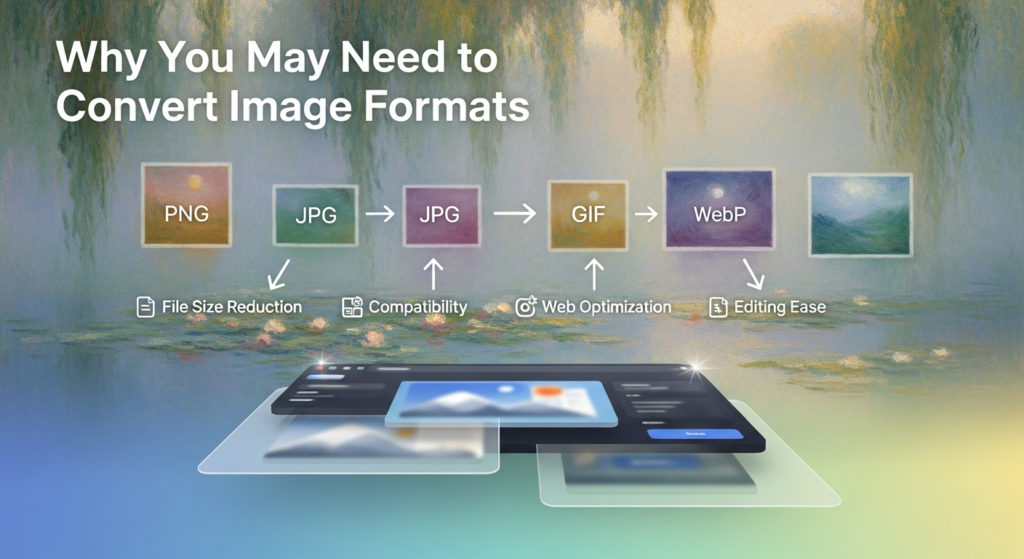
Changing an image’s file format is more common than people think. You might need to do it when
- A website only accepts certain file types.
- Your image file is too large.
- You want the page to load faster.
- You need smaller file size.
- You need a transparent background.
- Your device or program can’t open the current file.
- You are preparing images for a website.
How to Convert an Image?
Most image converter tools follow these simple steps:
- Choose the desired file format.
- Upload your image.
- Start the conversion.
- If available adjust quality settings.
- Download the new file.
Image Converter vs Image Resizer
Image Converter changes file format
Image Resizer changes dimensions
Final Thoughts
An image converter is one of the most useful tools for anyone working with images. It saves time and helps you choose the right balance between quality and file size. You don’t need any design skills all you need is the correct file format to get the job done.