
This Guide explains what an image cropper is when to use it and hoe to crop images in right way without losing image quality.
What Is an Image Cropper?
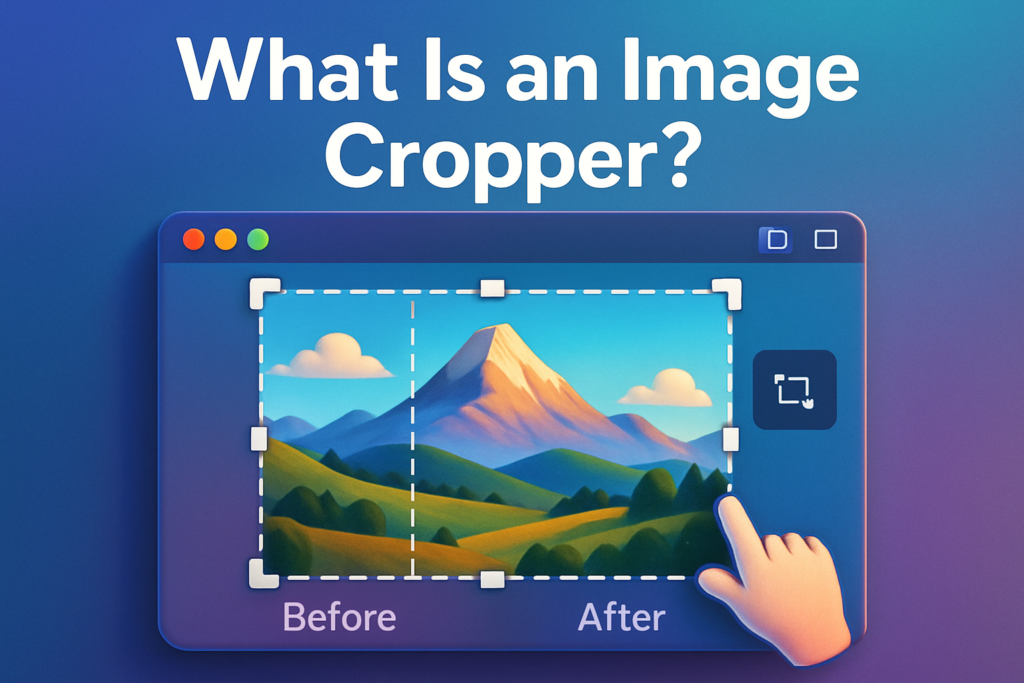
An image cropper is a tool that trims the outer parts of a image and picture. Instead of changing the file format or resize the whole image crop removes the areas you don’t need and keeps only the part you choose.
Why Cropping Images Is Important
- Make social posts more eye catching
- Improve product photo clarity
- Create better thumbnails
- Focus attention on the subject
- Remove distractions
When You Should Crop an Image
- You need a specific aspect ratio
- There is too much empty background
- You want a zoomed in effect
- The subject looks too small in the frame
- You are making banners or thumbnails
Crop vs Resize Know the Difference
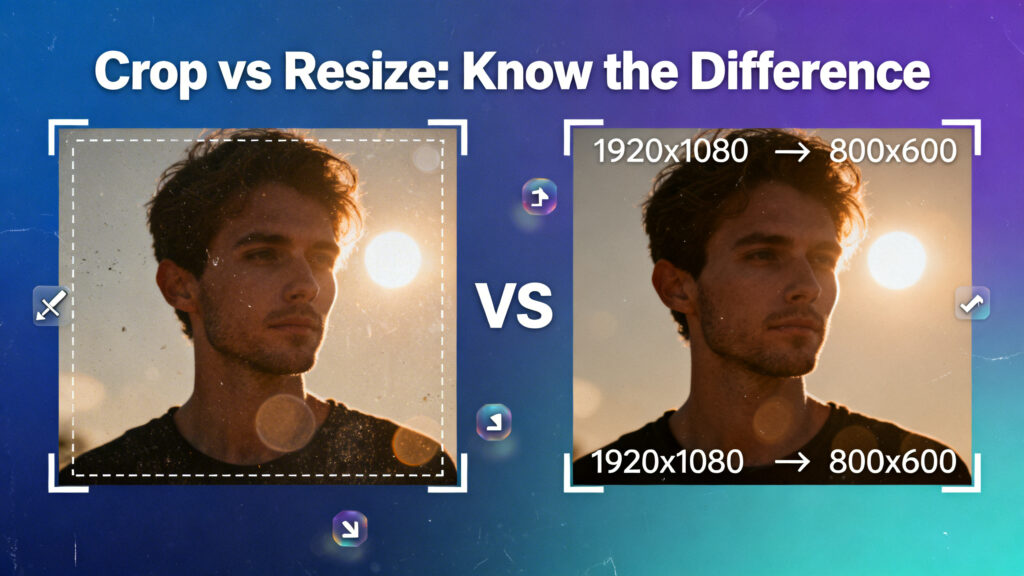
Cropping removes parts of the image.
Resizing changes the overall dimensions.
Common Aspect Ratios for Cropping
- 3:2 general photography look
- Square good for profile and grid posts
- 4:5 common for vertical social posts
- 16:9 widescreen for banners and videos
- 1:1 thumbnails and icons
How to Crop an Image (Basic Steps)
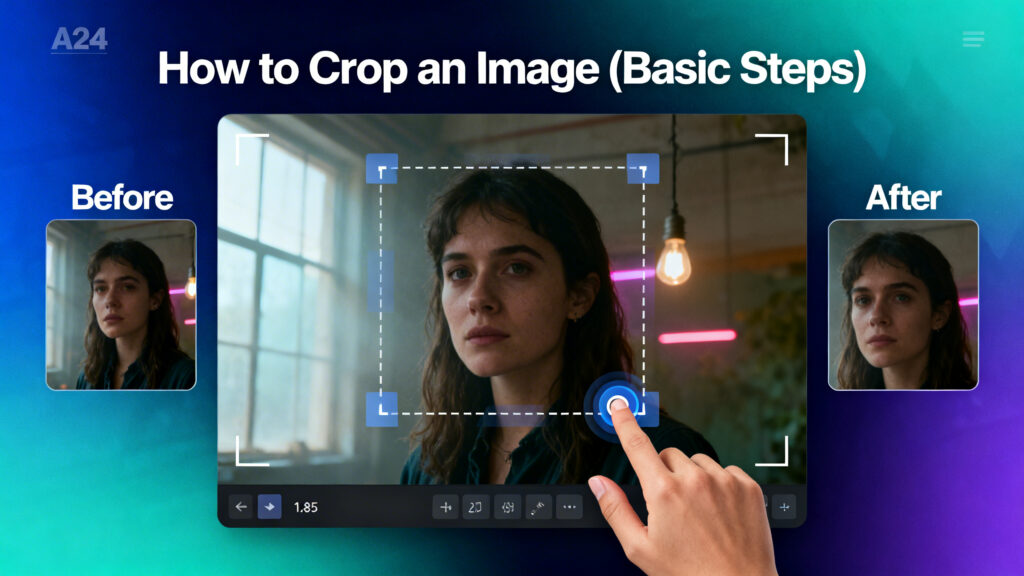
- Upload or open the image
- Select the crop tool
- Drag the crop box over the desired area
- Adjust edges and position
- Confirm crop
- Save the new image
Mistakes to Avoid When Cropping
- Saving over the original file
- Ignoring aspect ratio needs
- Cropping low resolution images too tightly
- Removing context that explains the photo
- Cropping too close to edges
Final Thoughts
An image cropper is one of the best useful and friendly tools. With just a few adjustments you can remove unwanted edges, Improve composition and make your look more professional. It works best on clear high quality images and is ideal for selecting the important parts you want to keep.