
In this blog post you will learn and know what Merge PDF means and why it is useful. You will also learn how you can easily use a Merge PDF tool without any difficulty.
What is Merge PDF?
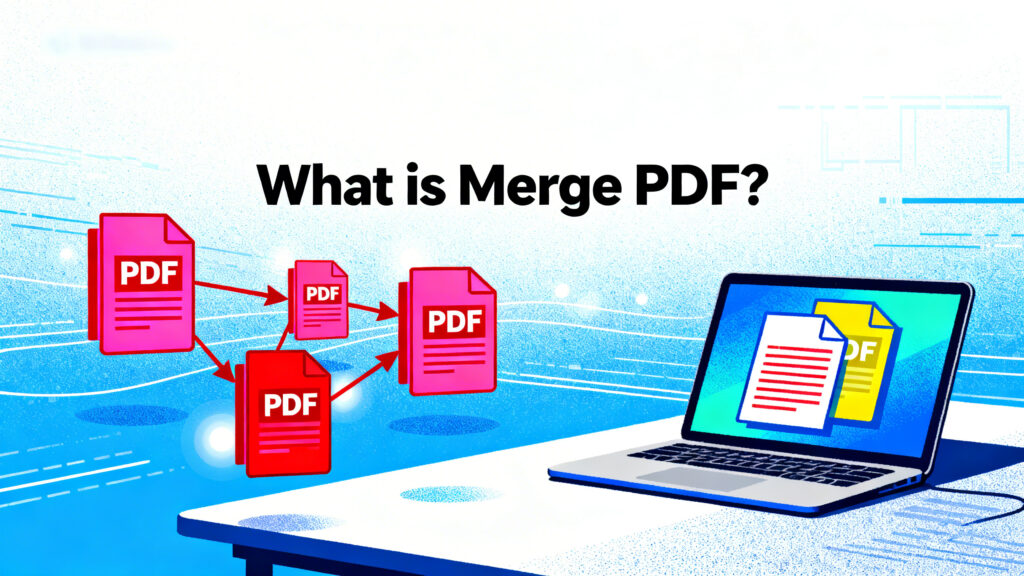
Merging PDF is a process where you join two and more PDF files into one single PDF document. Instead of sending or saving many small files you create one organised file.
Why Do People Use Merge PDF?
There are many simple and easy reasons
Easy sharing
Sending one file is easier than sending many files.
Better organisation
All pages stay in one place and in the correct order.
Saves time
You do not need to open many PDF files again and again.
Good for office and study
You can combine assignments, Invoices, Agreements or notes into one file.
Clean file management
Your computer or mobile stays more organised.
How Merge PDF Tools Work
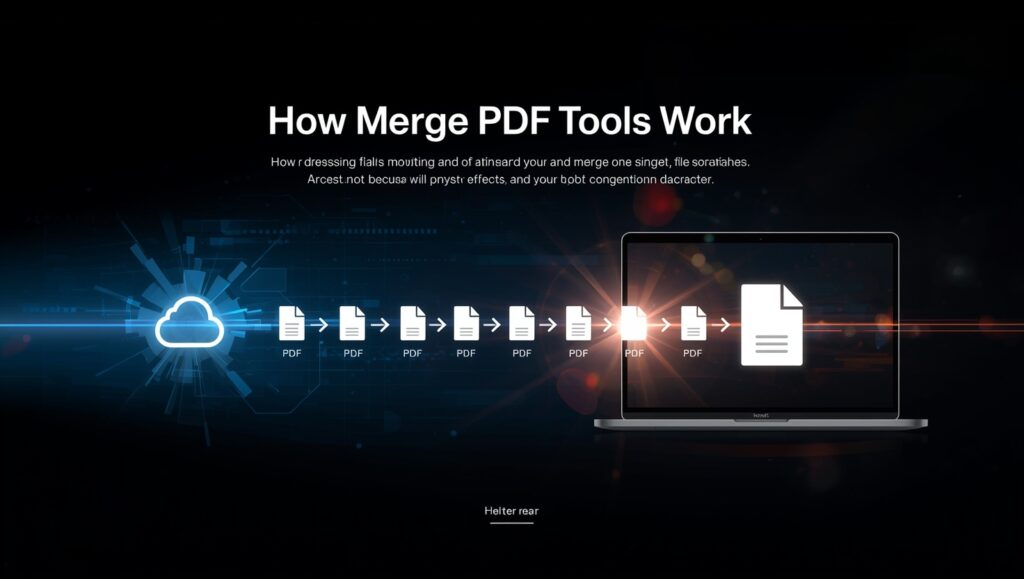
- Upload your PDF files.
- Arrange the pages or file order.
- Click the merge button.
- Download the new combined PDF.
- You do not need any technical knowledge.
Features of a Good Merge PDF Tool
- No software install needed
- No watermark
- Works on mobile and desktop
- Safe and secure processing
- Fast merging speed
Who Should Use Merge PDF?
Students Combine assignments and notes in one file.
Teachers include study material in one document.
Office workers Merge reports and forms together.
Freelancers Combine client documents in one file.
Final Words
Merge PDF is a simple or useful tool that helps you join many PDF files into one document. It saves time and makes files sharing much easier. Whether you are a student or a business owner merging PDF can make your work easy and faster.