
In this blog post you will learn and know what Word to PDF means why it is useful and how you can quickly convert your files using easy tools.
What is Word to PDF?
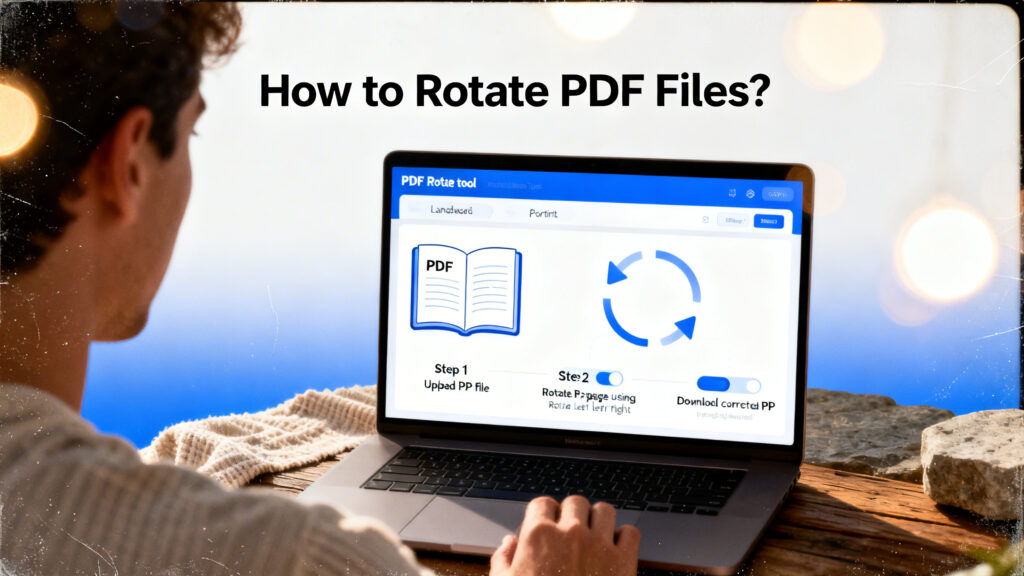
Word to PDF means converting a Word document file into a PDF file. Word files can be easily edited but PDF files keep the layout fixed. This means fonts, Images and formatting stay the same on every device.
Why Convert Word to PDF?
- Same Layout Everywhere
- More Professional
- Harder to Edit
- Easy to Share
- Smaller File Size
How to Convert Word to PDF
- Upload your Word file
- Click the Convert button
- Wait a few seconds
- Download your PDF file
Features of a Good Word to PDF Tool
- Fast conversion
- Keeps original formatting
- Supports large files
- No watermark
- Secure file processing
- Mobile friendly
Tips Before Converting
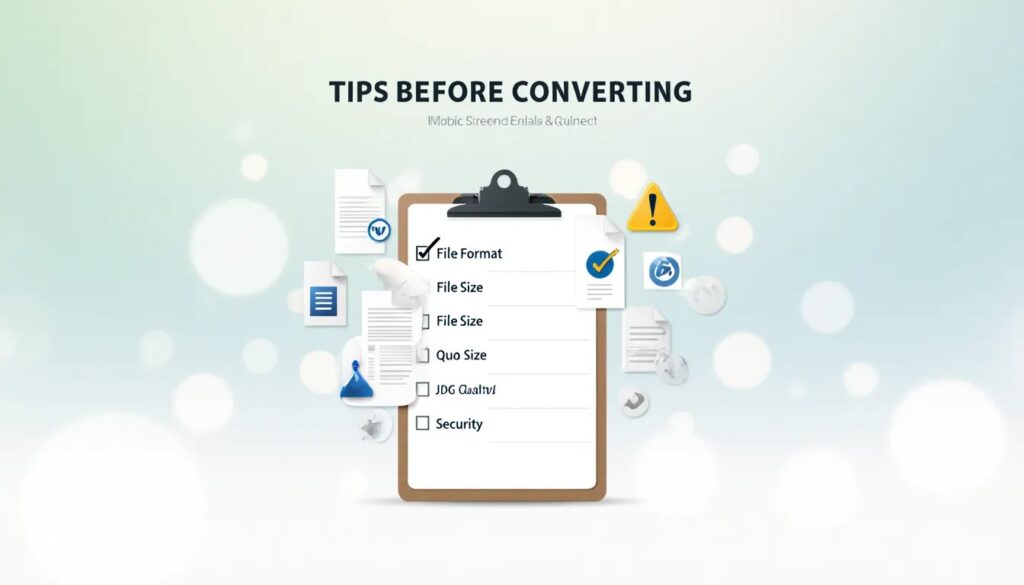
- Check everything carefully.
- Fix the formatting in Word first.
- Make sure all images are clear.
- Remove any extra blank pages.
- Keep a backup of the original Word file.
Final Words
In simple words Word to PDF conversion is a simple and useful feature. It helps you turn edit able documents into safe and professional files. With just a few clicks your Word document becomes ready to send as a PDF.