
In this blog post you will learn or know what Excel to PDF is why it is useful and how you can convert your files step by step in simple words. Excel to PDF means converting your spreadsheet file into a PDF documents so it is easy to share and view on any device.
What is Excel to PDF?
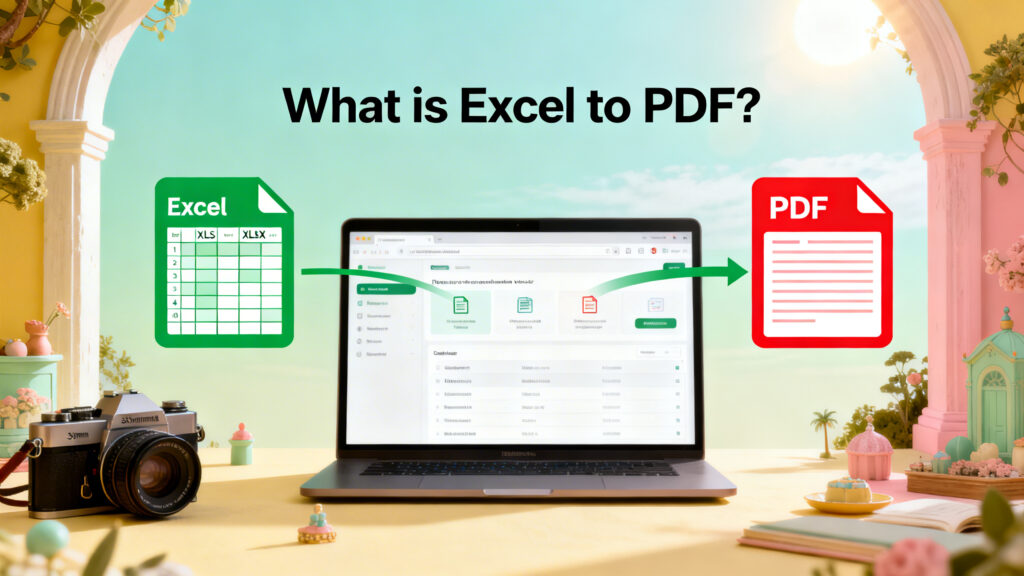
Excel to PDF is the process of converting an Excel spreadsheet into a PDF file. Your tables, Charts and data are saved as fixed pages that cannot be easily edited.
Why Convert Excel to PDF?
- Fixed Layout
- Easy to Share
- More Professional
- Print Ready
- Protects Data
How to Convert Excel to PDF
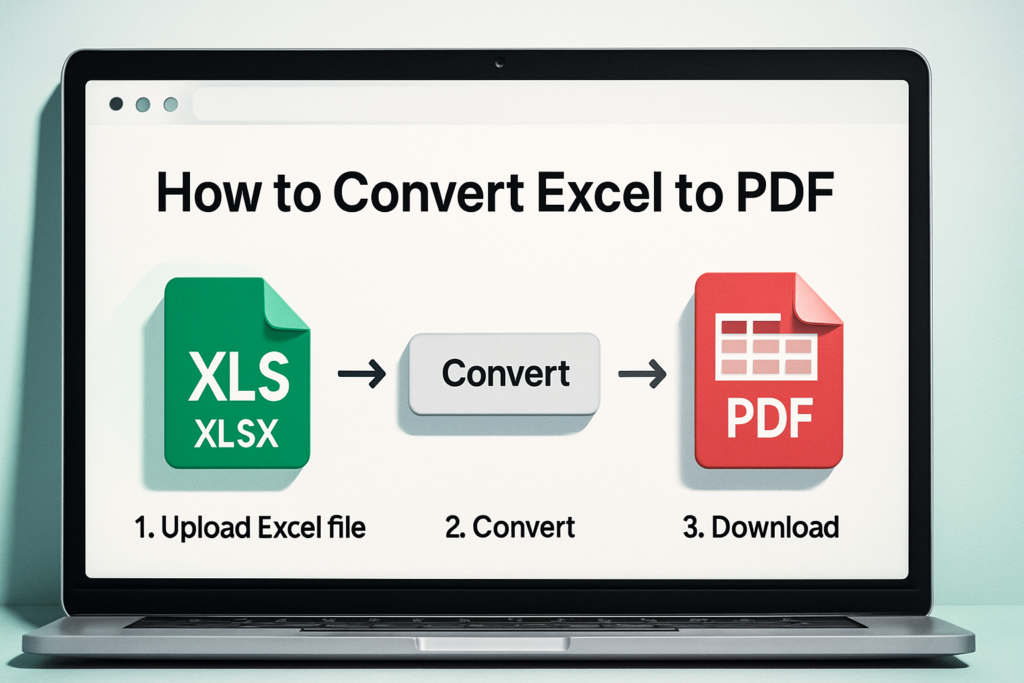
- Upload your Excel file (.xls or .xlsx)
- Click the Convert button
- Wait a few seconds
- Download your PDF file
Who Should Use Excel to PDF?
- Students
- Accountants
- Office workers
- Business owners
- Freelancers
Is Excel to PDF Conversion Safe?
- Use trusted websites only.
- Avoid uploading sensitive financial data.
- Download your file quickly.
- Delete uploaded files if the option is available.
Final Words
Excel to PDF conversion is a easy or useful way to turn spreadsheets into clean and shareable documents. It keeps your layout improves and makes your files ready for print and share. With just a few of clicks your Excel sheet becomes a professional PDF.