
With a PDF to image converter you can quickly turn PDF pages into JPG or PNG files for easy sharing editing or uploading.
In this guide you will learn and know how PDF to image conversion works why it’s useful and how to get the best quality results.
What Is a PDF to Image Converter?
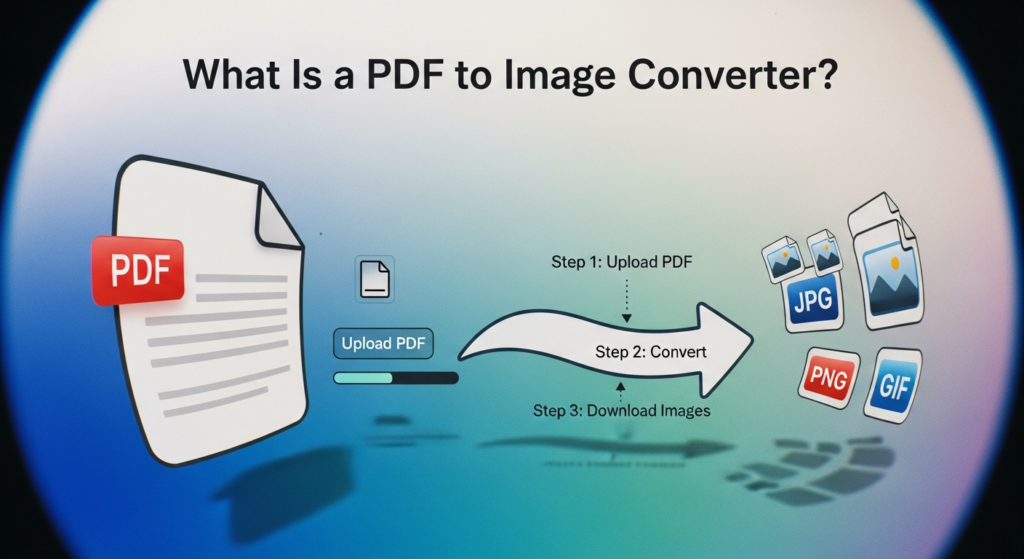
A PDF image converter is a tool that extracts pages from a PDF file saves them as image files. Each page of the PDF becomes a separate image.
- JPG
- PNG
- WEBP
- BMP
- TIFF
Why Convert PDF to Image?
- You want to share a single page as an image
- A platform doesn’t accept PDF uploads
- You need images for a presentation
- You want to post document content on social media
- You want to visually edit the page
- You want faster preview access
- You need thumbnails of document pages
Common Output Formats Explained
JPG
- Smaller file size
- Good for photos and mixed content
- Best for web and sharing
PNG
- Higher quality
- Better for text and graphics
- Supports transparency
WEBP
- Modern compressed format
- Very small size
- Good for websites
How PDF to Image Conversion Works
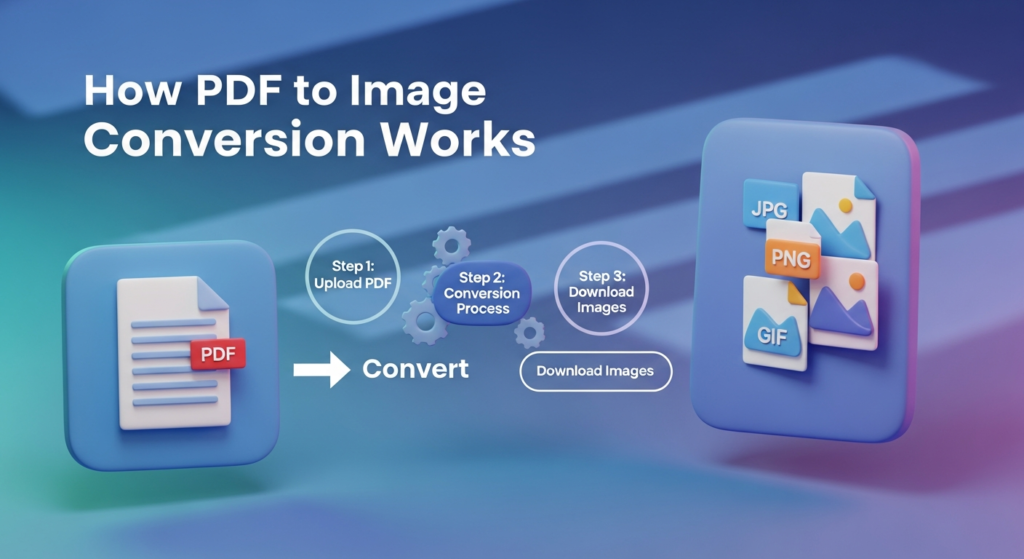
A converter reads each PDF page and displays it on a virtual canvas then saves that canvas as an image file. The quality depends on the resolution (often called DPI).
- High DPI = sharper image but larger file size
- Low DPI = smaller file but less detail
How to Convert PDF to Image
- Upload your PDF file
- Choose the output format
- Select resolution or quality
- Choose which pages to convert
- Start the conversion
- Download the image files
Tips for Best Conversion Results
- Use higher DPI for pages with lots of text
- Choose PNG for documents and graphics
- Choose JPG for pages with many photos
- Convert only the pages you need
- Preview images before sharing
- Keep the original PDF as a backup
Final Thoughts
A PDF to image converter is a simple yet powerful tool turns document pages into flexible image files. It helps when you need quick sharing, Easier viewing and platform compatibility. By choosing the right format and resolution you can get clear images from any PDF.