
In this post you will learn what a WebP compressor is why it is important or how to use it easily. Images help make websites and blogs more professional. But big image files can make your pages slow. A modern solution is using WebP images because they are already smaller than many other formats.
What Is a WebP Compressor?
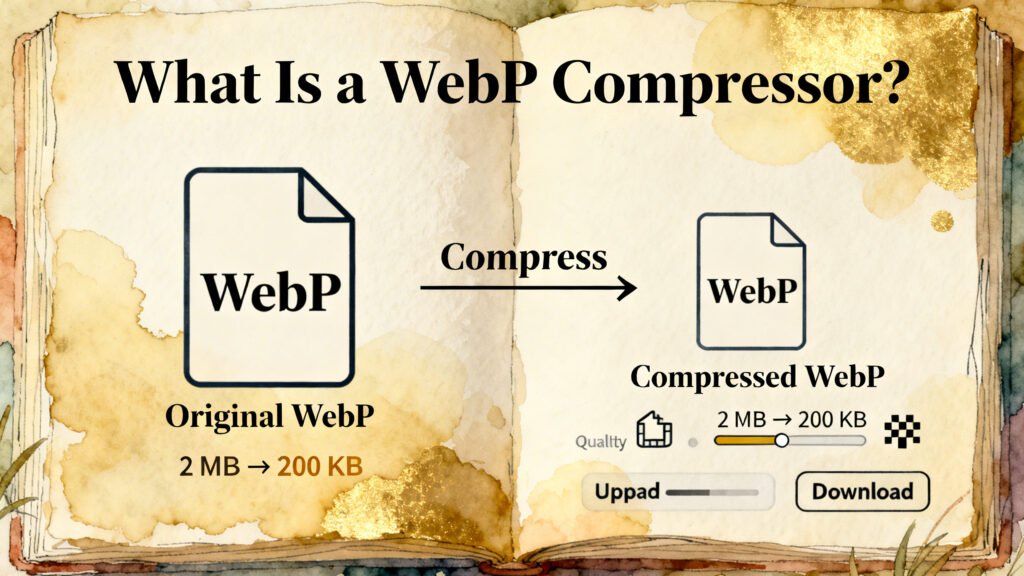
The WebP format is already designed for the web but compression makes it even more effective. A WebP compressor is a tool that makes WebP images smaller while keeping them clear and sharp. It removes extra data and improves the file so it loads faster on websites and apps.
What Is WebP Format?
WebP is a modern image format made for online use. It gives high quality pictures with smaller file sizes compared to JPG and PNG in many cases.
WebP supports
- High quality images.
- Transparent backgrounds.
- Small file size.
- Fast loading speed.
Why Use a WebP Compressor?
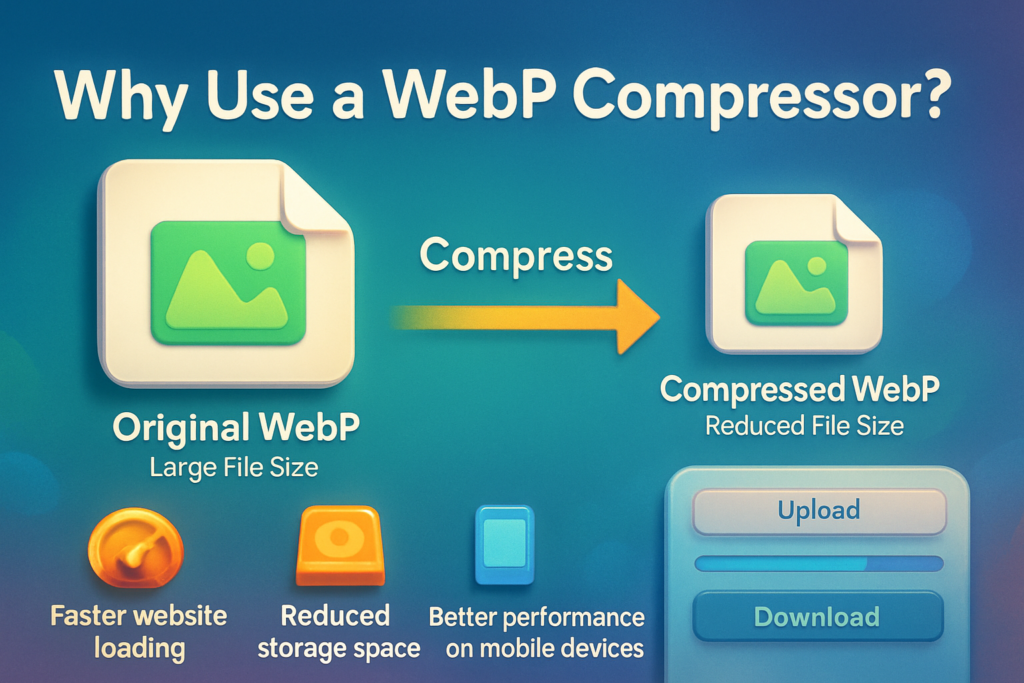
Even WebP images can be very big if they are saved in high quality. Compressing them gives extra benefits
- Faster website loading.
- Better user experience.
- Less bandwidth usage.
- Better SEO performance.
- Faster mobile browsing.
- Saves hosting storage.
How WebP Compression Works
A WebP compressor reduces file size using smart optimisation methods.
- Reduce unnecessary quality.
- Remove hidden metadata.
- Improve color data.
- Make image information simpler.
Lossy vs Lossless WebP Compression
Two types of compression are used for WebP images
Lossy compression
It removes small details to make the file smaller. This is good for photos or blog images where small detail loss is not noticeable.
Lossless compression
It keeps full quality but still removes extra data to reduce file size. This is good for logos, graphics and design elements.
Best Use Cases for WebP Compression
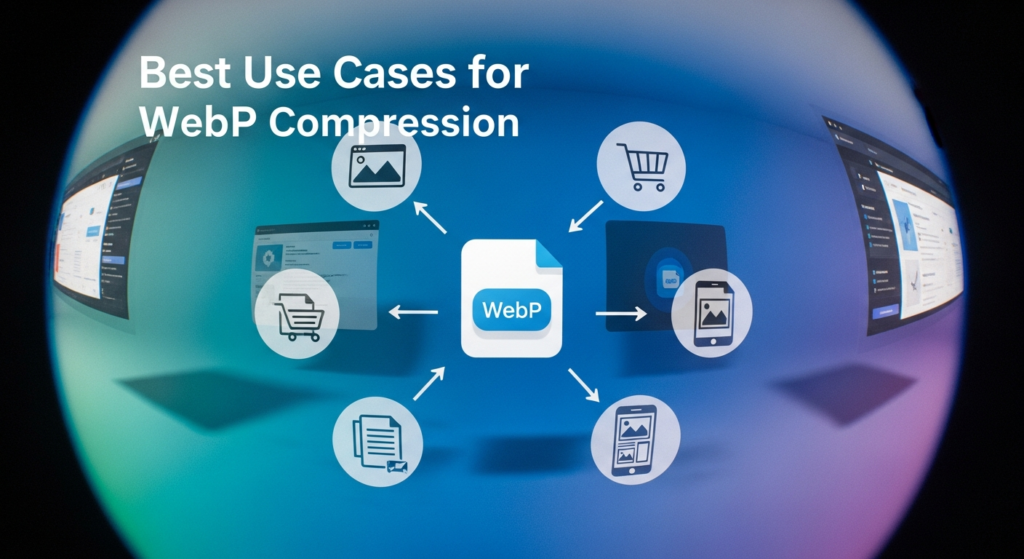
WebP compression is perfect for
- Blog images
- Website banners
- Product photos
- Landing pages
- Portfolio galleries
- App images
- Thumbnails
Common Mistakes to Avoid
Avoid these common mistakes
- Compressing images too much.
- Compressing already compressed files again.
- Ignoring visual quality.
- Using the same settings for all images.
Final Thoughts
If you want a fast website with better performance your WebP images is an easy step to include in your workflow. A WebP compressor is a simple but useful tool for everyone. It works with website images. It helps reduce file size, Improve loading speed and give visitors a smooth browsing experience.