
In this post you will learn what a vector is why it is useful and how to do it easily even if you are a beginner. To solve this problem you can convert your image into a vector format. This process is called image to vector conversion. Sometimes you have a logo, Drawing and images that looks blurry when you make it bigger. This happens because images are made of pixels.
What Does Image to Vector Mean?
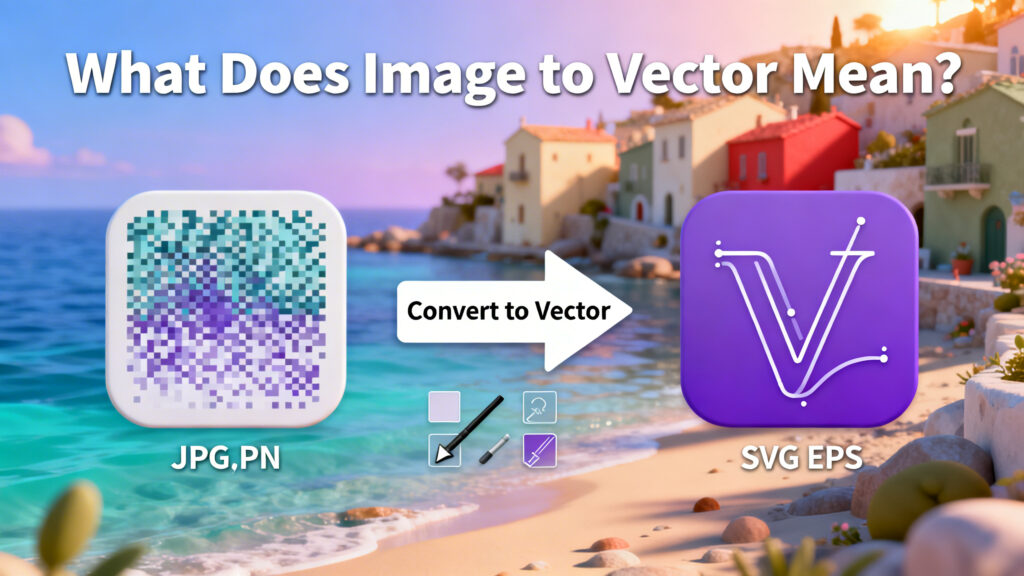
Image to vector means converting a normal pixel based image into a vector graphic. A vector image is made using lines, shapes and paths instead of pixels. This means you can change the size of a vector image without losing quality. It will stay clear whether it is small or very large.
Difference Between Raster and Vector Images
Raster Images
- Made of pixels
- Lose quality when enlarged
- Examples: JPG, PNG, BMP
- Best for photos
Vector Images
- Made of paths and shapes
- Stay sharp at any size
- Examples: SVG, AI, EPS
- Best for logos and illustrations
Why Convert Image to Vector?
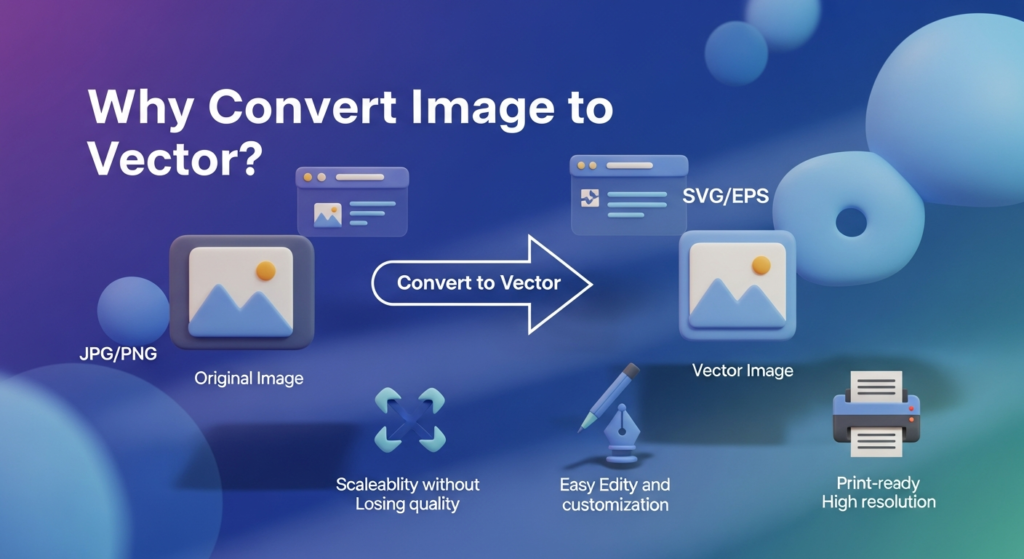
There are many useful reasons to convert images into vectors:
- To make files ready for designers and printers
- To make professional branding materials
- To change shapes and colors easily
- To keep the image clear at any size
- To print logos in big sizes
- To use graphics on banners and posters
Best Images for Vector Conversion
- Logos
- Icons
- Line drawings
- Cartoons
- Simple illustrations
- Black and white sketches
How Image to Vector Conversion Works
Vector conversion tools find the edges, Shapes and color areas in your image.
Good tools let you change
- Edge smoothness
- Color levels
- Amount of detail
- Shape sharpness
How to Convert Image to Vector
- Upload your image file
- Choose the vector format
- Change settings if needed
- Start the conversion
- Download the vector file
Common Mistakes to Avoid
- Trying to make complex photos into vectors
- Using very small or blurry images
- Not cleaning the background
- Expecting perfect automatic results
- Not fixing the vector after conversion
Final Thoughts
Converting images to vectors is an easy way to change simple images into professional graphics. It helps keep your designs clear at any size and makes editing easier. If you work with logos, icons and prepared designs learning to convert images to vector format will save time and improve quality. Once you try it a few times the process becomes very easy.