
Converting BMP to JPG helps reduce file size while keeping good visual quality and improving compatibility. In this guide you will learn and know what BMP and JPG formats are why conversion is useful and how to properly convert BMP images.
What Is a BMP File?
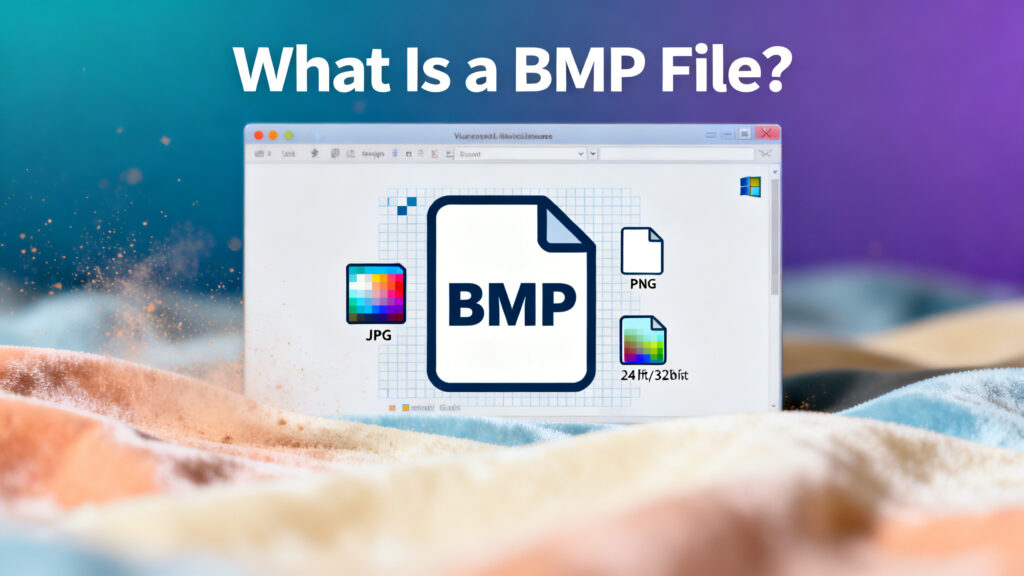
BMP stands for Bitmap image file. It is a raw image format that stores pixel data with little or no compression which is why BMP images are usually much larger than other formats.
- Stores high levels of detail
- Creates very large file sizes
- Uses little or no compression
- Has a simple file structure
- Supported by older software programs
What Is a JPG File?
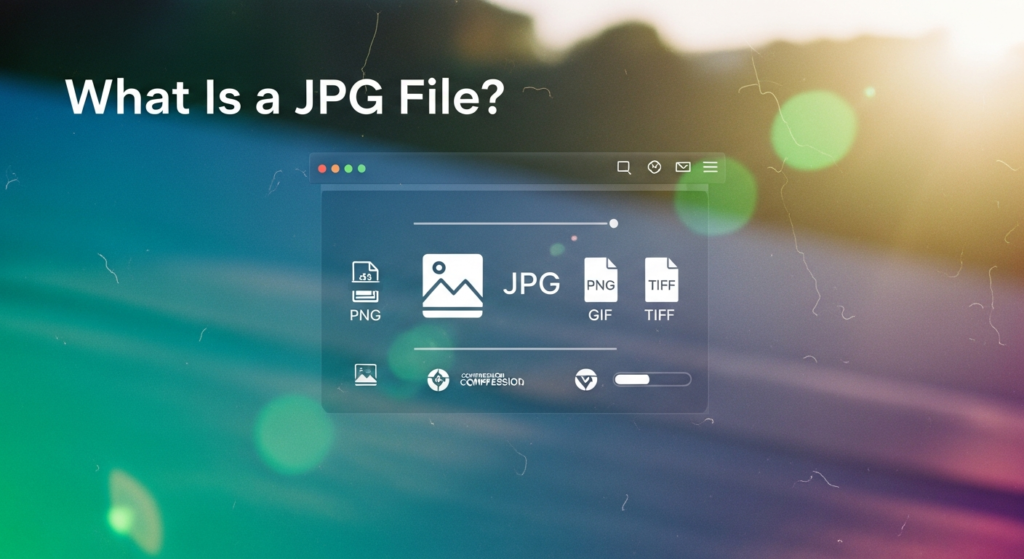
JPG is the most common used image format for photos and online graphics. It uses smart compression to reduce file size while keeping acceptable visual quality.
- Much smaller file size
- Easy to upload and share
- Supported by all websites and apps
- Good for photos and general images
- Loads faster online
Why Convert BMP to JPG?
- BMP files are too large to upload
- Websites don’t accept BMP format
- Email attachments become too big
- You want images to load faster
- You need to save storage space
- You need images that work everywhere
- You’re preparing images for web use
Does BMP to JPG Conversion Reduce Quality?
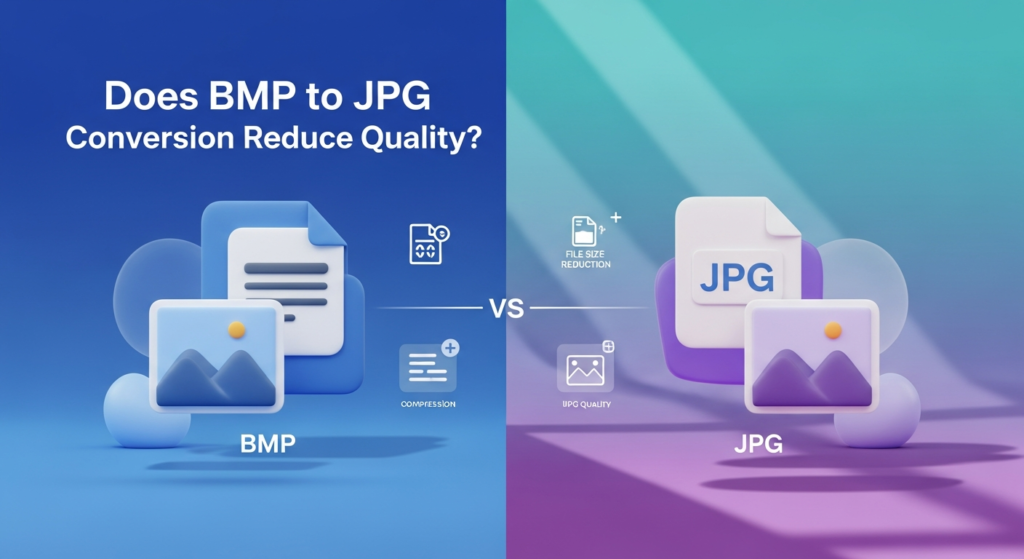
BMP is usually original while JPG use lossy compression. This means image data is lost during conversion. However if you choose high quality JPG settings.
- Very low JPG quality is selected
- The image has sharp text or line art
- The file is converted repeatedly
How to Convert BMP to JPG
- Upload your BMP image
- Choose JPG as the output format
- Select the quality level (if available)
- Start the conversion
- Download your JPG file
Common Mistakes to Avoid
- Choosing very low JPG quality
- Deleting the original BMP files too soon
- Converting an already compressed JPG again
- Using JPG for images that need perfectly sharp edges
- Not previewing before downloading
Final Thoughts
A BMP to JPG converter is a practical tool for turning large heavy images into lightweight shareable files. BMP holds the most raw details but JPG makes images easy to use in real world situations.