
In this guide you will learn and know HEIC and JPG. Why conversion is needed and how to safely convert images without losing quality of image. A HEIC to JPG converter helps you change files into a widely supported format that works on almost every device and app.
What Is a HEIC File?
HEIC stands for high efficiency image container. It is a modern image format designed to store high quality photos in smaller file sizes.
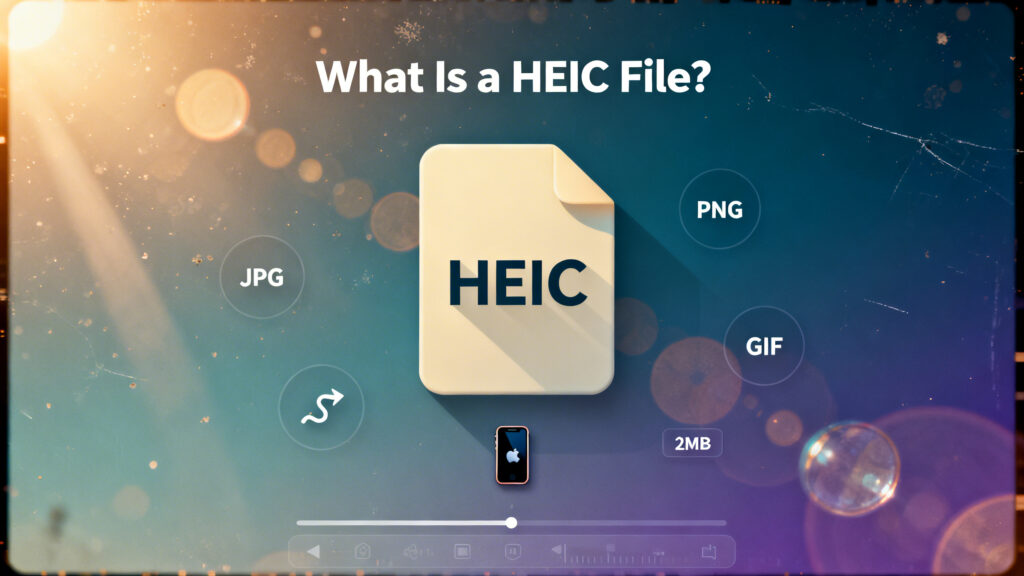
- High image quality
- Smaller file sizes than JPG
- Better compression efficiency
- Support for advanced photo data
What Is a JPG File?
JPG is one of the most used images formats in the world. It is supported by almost every browser, Device and website.
- Easy to open anywhere
- Good balance of quality and size
- Ideal for sharing and uploading
- Compatible with older software
Why Convert HEIC to JPG?
- Your computer cannott open HEIC files
- A website doesn’t accept HEIC uploads files
- You need to share images with others
- An online form requires JPG
- You’re uploading to a blog or store products images
Does Converting HEIC to JPG Reduce Quality?
There maybe a slight drop in quality because JPG use compression while HEIC is more efficient. However with high quality JPG settings most peoples will not notice any clear difference for normal viewing or online use.
Tips for Better HEIC to JPG Conversion
- Convert from the original HEIC file
- Use high JPG quality settings
- Convert once not repeatedly
- Check colors after conversion
- Rename converted files clearly
Common Mistakes to Avoid
- Choosing very low JPG quality
- Deleting HEIC originals too early
- Ignore color or brightness shifts
- Mixing edited and original files
Final Thoughts
A HEIC to JPG converter is a practical tool that lets you change modern smartphone photos into a format that works everywhere. While HEIC is better for storage efficiency JPG is the most reliable format for sharing images and uploading.