
Image flipping is a simple and powerful editing technique that lets you mirror a picture horizontally and vertically. It is commonly used in social media graphics, product images, design projects and creative edits. In this complete guide you will learn what image flipping is when to use it and how to flip an image using different tools and devices.
What Does Image Flip Mean?
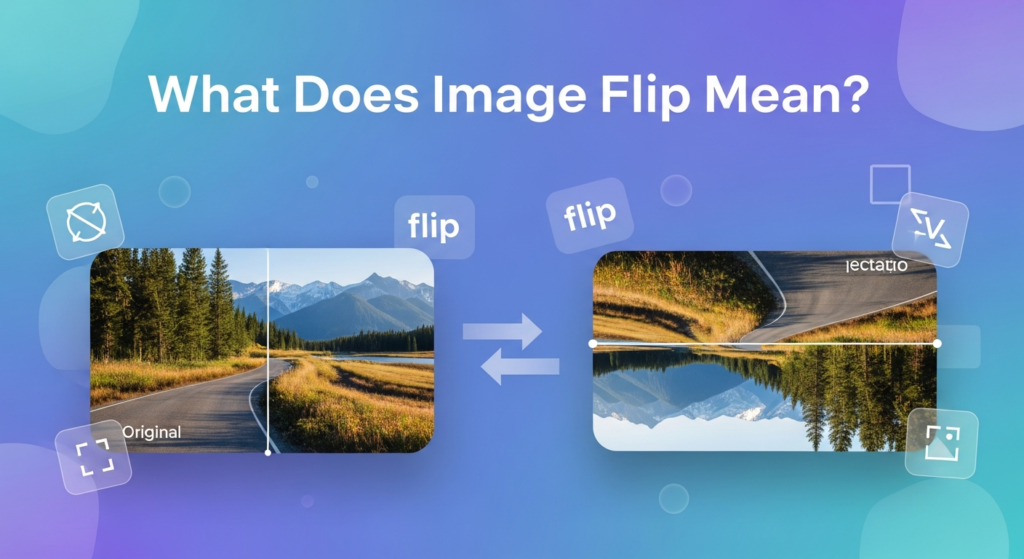
Flipping an image means creating a mirrored version of your picture.
Horizontal Flip The left and right sides are swapped ( Like a mirror effect )
Vertical Flip The top and bottom sides are switched ( like turning the image upside down )
Why People Flip Images
Here are some common reasons to flip an image.
- Fix reversed camera shots
- Correct the direction of text in mirrored photos.
- Improve balance and composition.
- Create better visual harmony in a design.
- Add creative visual effects.
Types of Image Flip
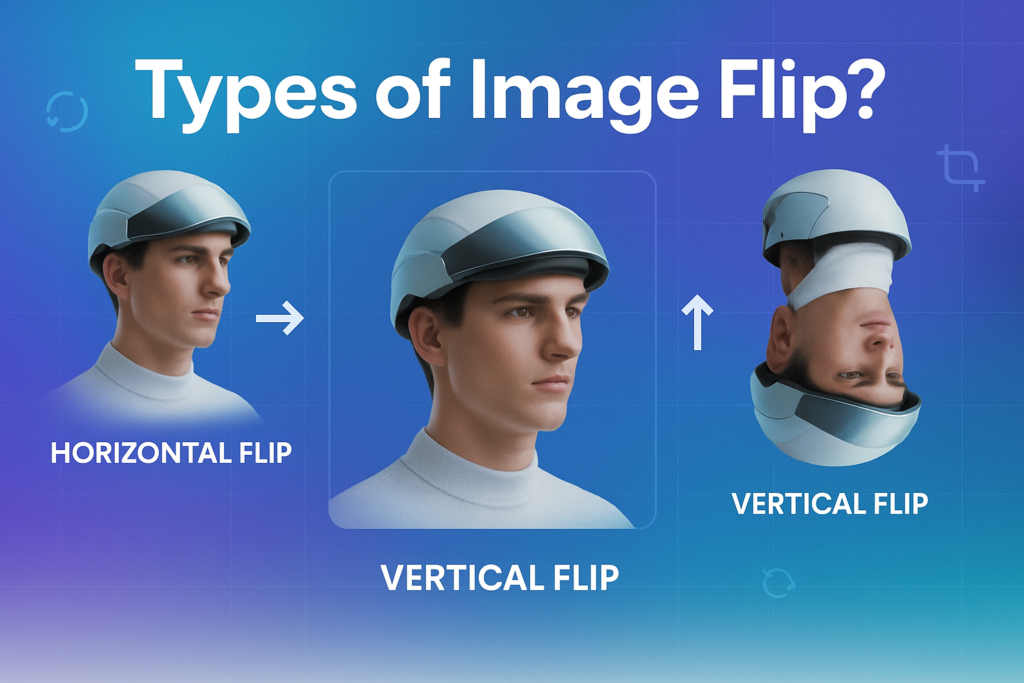
There are to types of Flip Image
Horizontal Flip
Selfies
Portrait photos
Social media posts
Logo positioning
Vertical Flip
Artistic effects
Reflection designs
Poster layouts
Creative edits
How to Flip an Image Online (No Software Needed)
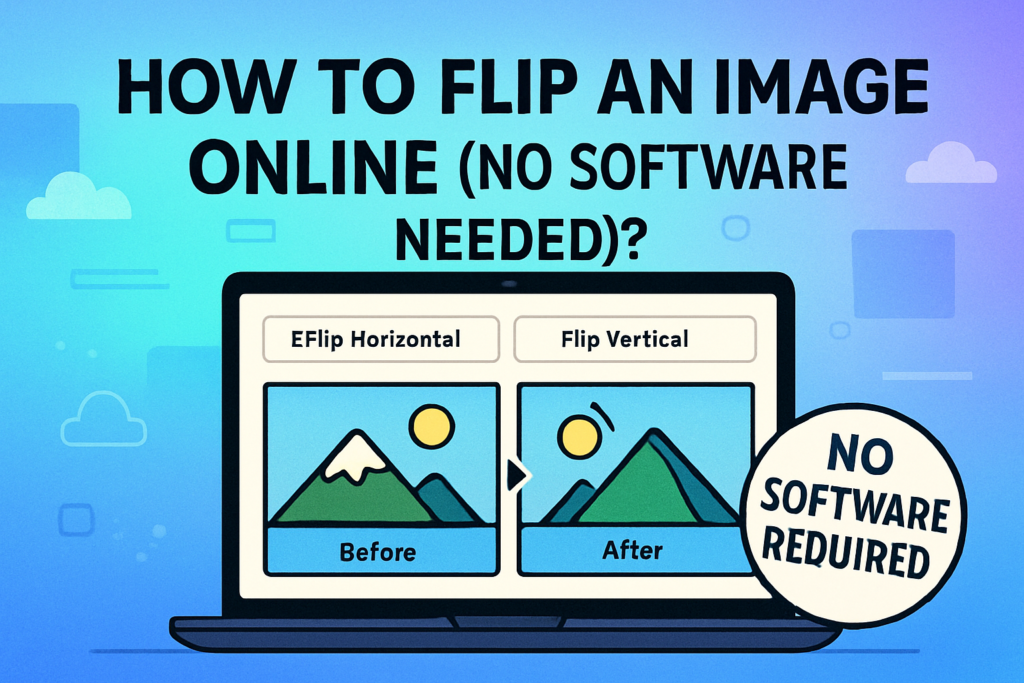
Steps
- Open an image flip tool website
- Upload your image
- Choose Flip Horizontal or Flip Vertical
- Preview the result
- Download the flipped image
How to Flip an Image on Windows
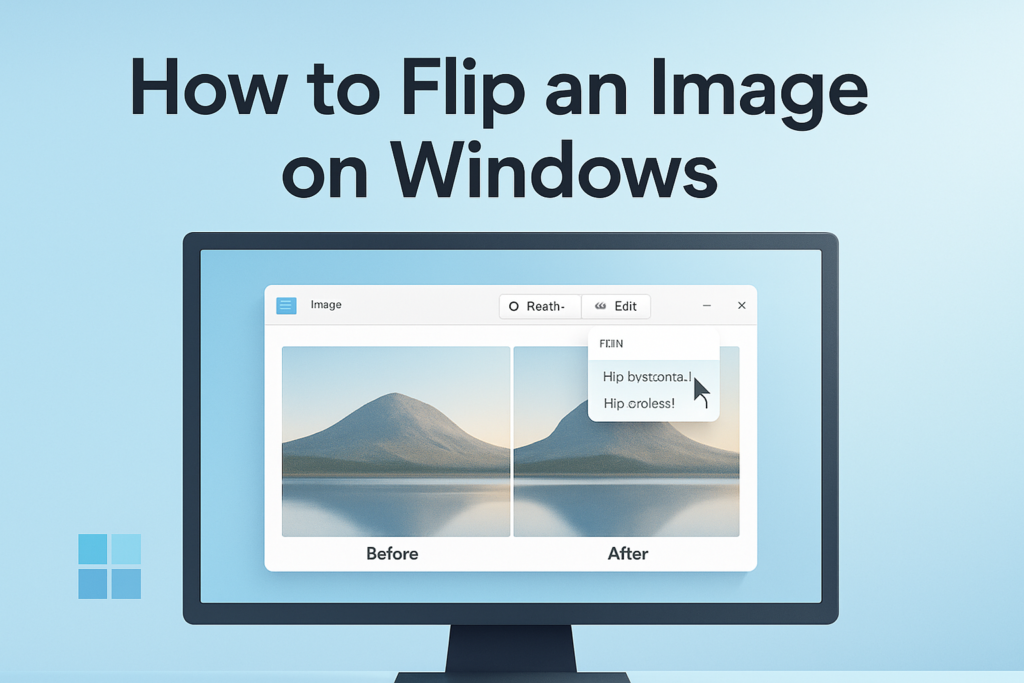
- Open your image
- Click Edit
- Look for Rotate/Flip option
- Choose flip direction
- Save the image
How to Flip an Image on Mac
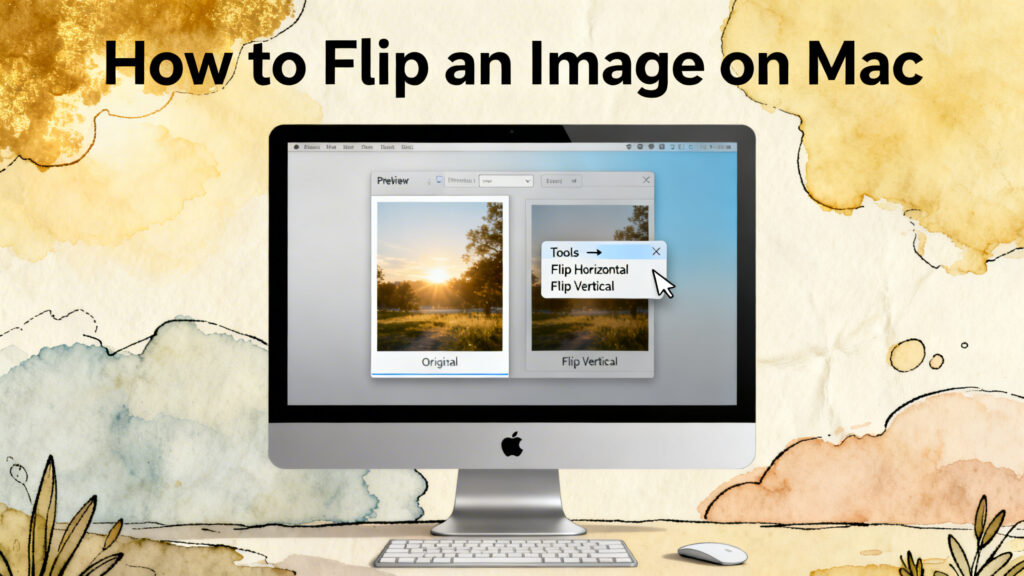
- Open image in Preview
- Go to Tools menu
- Select Flip Horizontal or Flip Vertical
- Save changes
How to Flip an Image on Mobile (Android & iPhone)
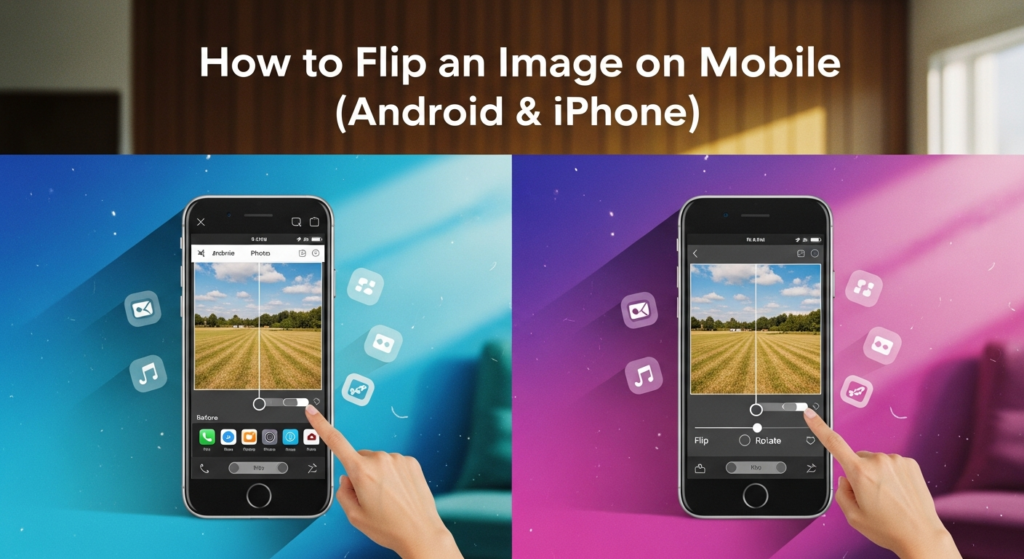
- Open photo in Gallery
- Tap Edit
- Select Crop/Rotate tool
- Tap Flip icon
- Save
Common Mistakes to Avoid
- Flipping images that contain readable text.
- Saving changes over the original file without keeping a backup.
- Accidentally using vertical flip instead of horizontal flip.
- Not checking the alignment after flipping the image.
Final Thoughts
Flipping an image is one of the easy editing skills but it can make a big difference. It only takes a few seconds and not require any special skills. Whether you are fixing a mirrored selfie or improving the balance of a layout flipping a picture is a quick and simple solution.