
An ICO to PNG converter helps you change ICO files into standard image files that are easy to view, Edit and reuse.
In this guide you will learn and know what ICO and PNG formats are why conversion is useful and how to properly convert ICO files.
What Is an ICO File?

ICO is a special image format used for icons in operating systems and applications. A single ICO file can contain multiple icon sizes like 16×16, 32×32, 64×64 and larger.
ICO files are typically used for.
- App icons
- Desktop shortcuts
- Website favicons
- Software branding
What Is a PNG File?
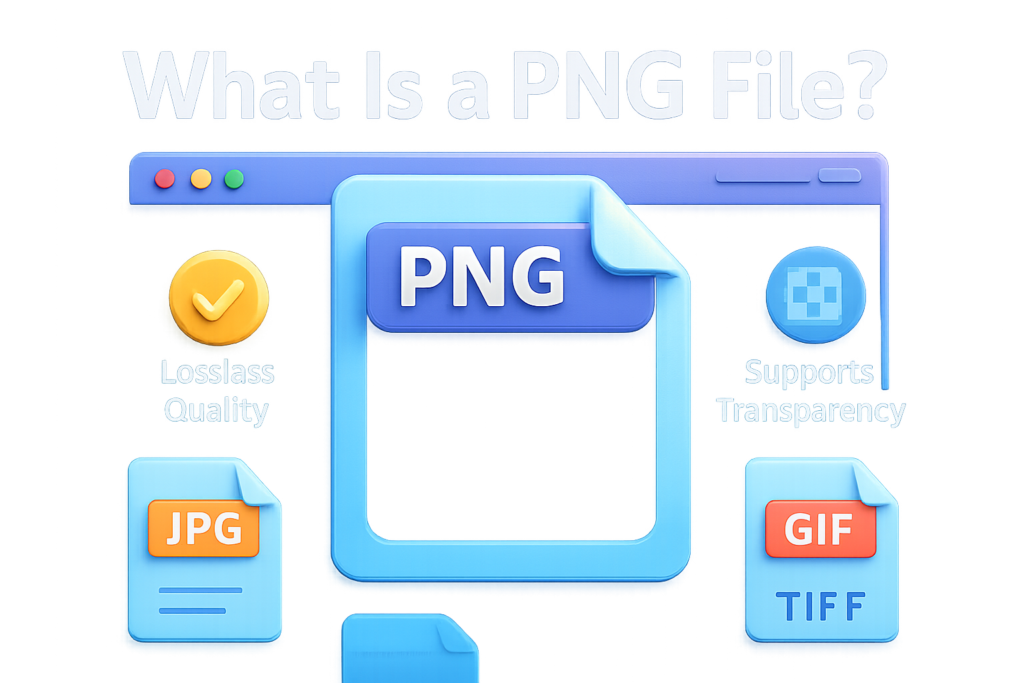
PNG is a commonly used image format known for high quality and clear transparency. It is commonly used in design, Web graphics and editing work files.
- Maintains original quality.
- Sharp edges and clear details.
- Supports transparent backgrounds.
- Works with many software programs.
- Easy to edit and reuse.
Why Convert ICO to PNG?
- You want to edit the icon.
- Your software cannot open ICO files.
- You need the icon for a design project.
- You want a PNG version with transparency.
- You need a specific icon size.
- You’re extracting a favicon to reuse.
- You want better compatibility with different programs.
One ICO File Can Contain Multiple Sizes
A useful detail many people don’t know an ICO file often stores multiple icon sizes. Good ICO to PNG converters let you choose which size to export.
- 16×16 (small icon)
- 32×32 (standard icon)
- 64×64 or 128×128 (larger icon)
- 256×256 (high-resolution icon)
How to Convert ICO to PNG (Basic Steps)
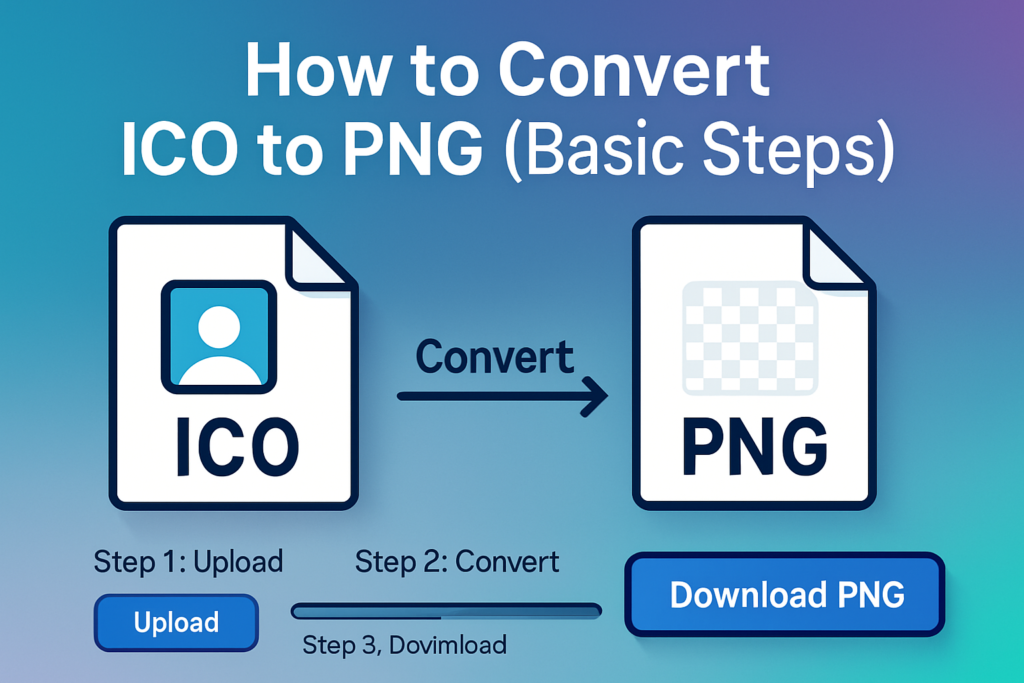
- Upload the ICO file
- View available icon sizes (if shown)
- Select the size you want
- Choose PNG as output format
- Start conversion
- Download the PNG image
Does ICO to PNG Conversion Affect Quality?
PNG uses lossless compression so it saves space without reducing quality. However the final quality depends on which icon size you export. If you export a very small size (like 16×16) and later try to extend it, it will look blurry. That’s why it’s best to export the largest available icon size whenever possible.
Common Mistakes to Avoid
- Exporting the smallest icon size by mistake
- expand small icons which makes them blurry
- Losing transparency settings
- Overwriting the original ICO file
- supposing all ICO files are high resolution
Final Thoughts
An ICO to PNG converter is an easy tool when you need to turn icon files into flexible, Editable pohots. ICO is best for system icons while PNG works better for everyday design and web use. With the right size selection and proper conversion you can use icons cleanly in many projects.