
In this post you will learn what an image compressor. Why it is important and how you can use it easily even if you are a beginner. Images are an important part of every website, Blog website, Online store and social media post. They make your content easier to understand and more attractive. But big picture files can make your website slow and use more storage space. This is where an image compressor is very useful.
What Is an Image Compressor?
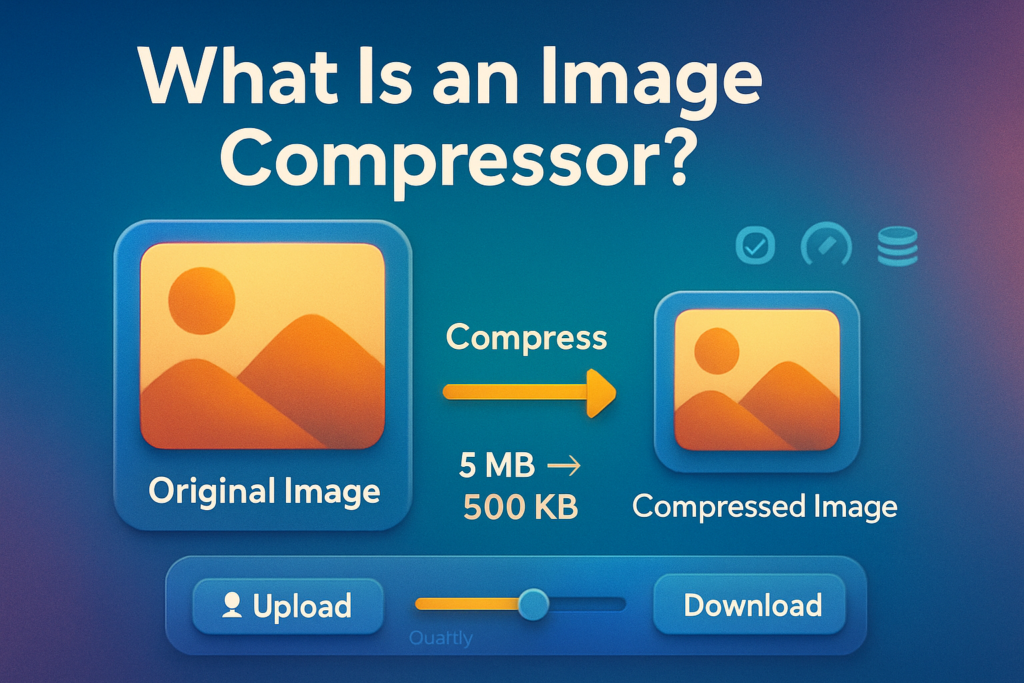
An image compressor is a tool that makes a image file smaller without making it look bad. It keeps the image clear but removes extra data that is not needed. The result is a small file that loads fast and is easy to share.
You can compress many image types like
JPG, PNG, and WebP.
Why Image Compression Is Important
Many people upload images directly from their camera or phone. These pictures are usually very big. Big pictures can cause many problems.
- Websites load slowly.
- Visitors leave the page quickly.
- They use too much storage space.
- It takes more time to upload.
- Sending pictures becomes difficult.
Compressed images solve all these problems. They load fast and work better online.
How Image Compression Works
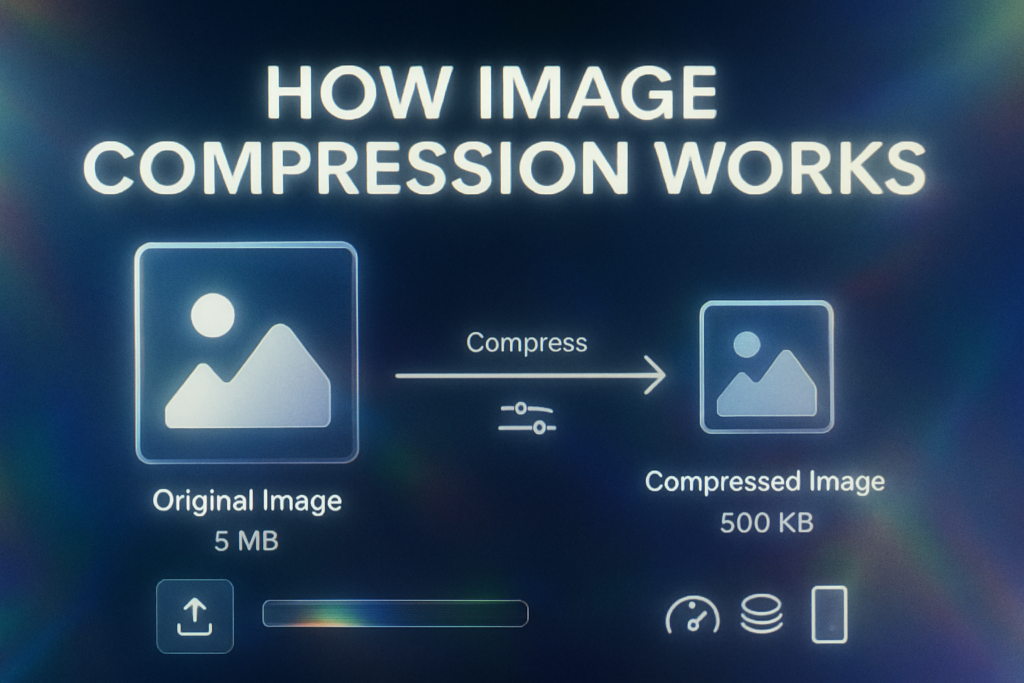
Image compression works by removing needless data from a file. There are two main types.
Lossy compression
This method makes the file much smaller but removes some details. Most of the time the difference is not visible to the human eye.
Lossless compression
This method keeps all the details of the picture but still removes extra information to make the file smaller. The file stays very high quality.
Most online tools let you choose which type of compression to use.
Benefits of Using an Image Compressor
Using an image compressor gives many benefits.
- Faster website speed
- Better user experience
- Better SEO performance
- Saves storage space
- Loads faster for upload and download
- Easy to share on social media and email
If you run a blog or an online business compressed images can make a big difference.
When Should You Compress Images?
You should compress images when
- Uploading to a website or blog
- Sending by email
- Posting on social media
- Making online advertisements
- Creating landing pages
- Uploading to an online store
Compressing images before uploading them anywhere online is a good habit.
Tips for Best Results
To keep image quality good while making the file smaller follow these tips
- Do not compress important images too much.
- Test different compression levels.
- Use JPG for photos and PNG for graphics.
- Check the final image before publishing.
- Keep a backup of the original image.
Common Mistakes to Avoid
Some people make small mistakes when compressing images
- Compressing the same image many times.
- Choosing too much compression which harms quality.
- Not checking the image’s width and height.
- Uploading compressed images without preview.
Final Thoughts
An image compressor is a simple but useful tool. It helps you make image files smaller make your website faster and save storage space.