
An image enlarger helps you increase the size of a image while keeping it as clear and usable as possible. In this guide you will learn what an image enlarger does when to use it and how to make images bigger in a smart and effective way.
What Is an Image Enlarger?
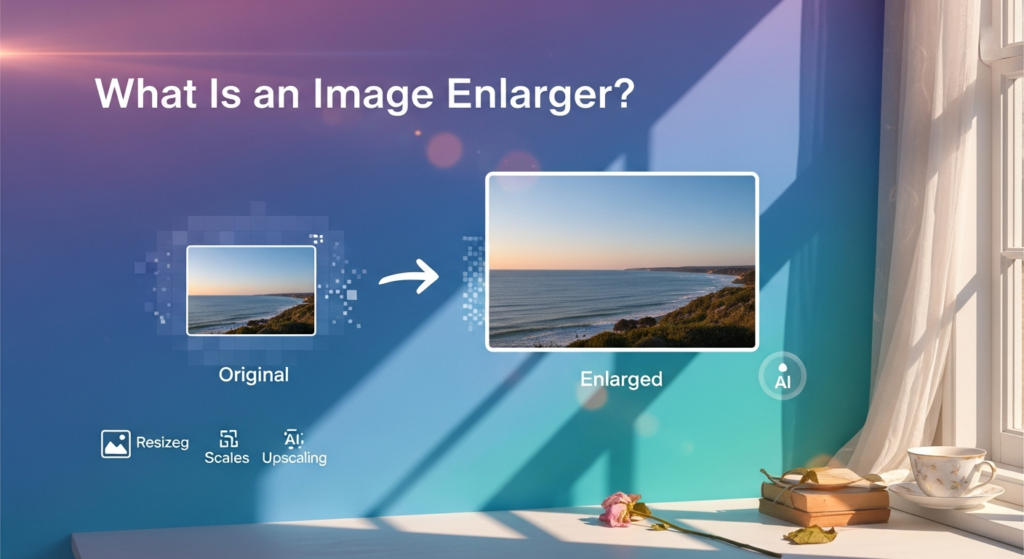
An image enlarger is a tool that increases the width and height of a picture to make a bigger version. Unlike simple stretching a good enlarger tries to keeps details clear and reduce blurriness while making the image larger.
When You Might Need to Enlarge an Image
- Preparing images for print
- Creating large thumbnails or covers
- Creating posters or banners
- Reusing old low resolution photos
- Making website header graphics
Why Images Get Blurry When Enlarged
Digital images are made of pixels. When you enlarge a small image too much the software has to guess what the new pixels should look like. Poor methods just copy pixels which can create rough edges and make the image look blurry.
Image Enlarger vs Image Resizer
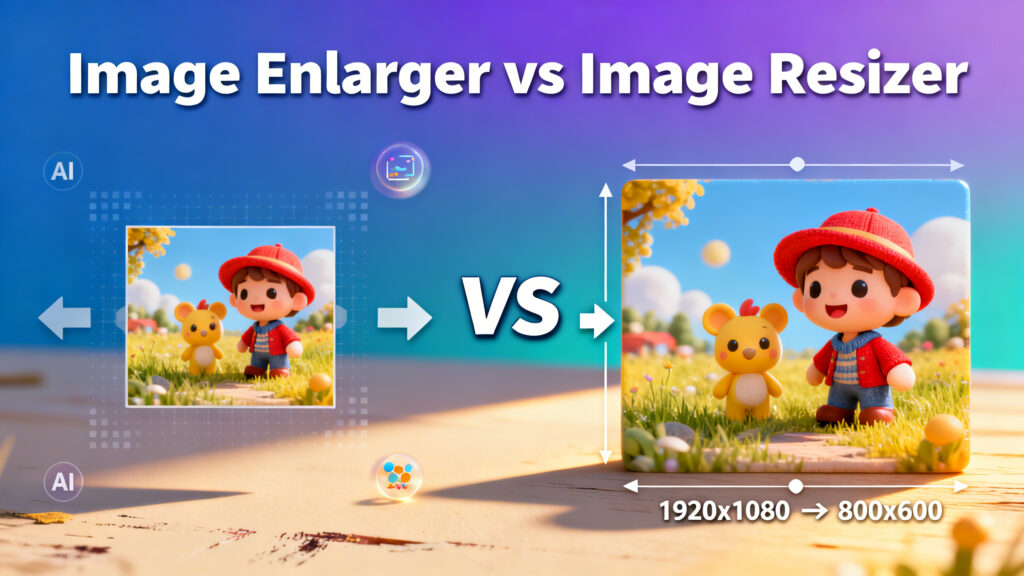
Image Resizer makes images smaller or larger
Image Enlarger specifically focuses on making images larger with better quality handling
Best Formats for Enlarged Images
JPEG good for photos and general use
PNG better for graphics and text images
WEBP good for web delivery with smaller size
Common Mistakes to Avoid
- Expecting print quality from small web images
- Enlarging very tiny images too much
- Saving with heavy compression
- Using maximum enlargement settings
- Ignoring preview results
Final Thoughts
Although there are always limits using the right method carefully can five surprisingly good results. When you need a larger version of an image but still want it to look clear and usable an image enlarger is a helpful tool.